
7 Examples of Personal Knowledge Management for Pros

Every american professional faces the challenge of tracking countless online resources across ever-growing platforms. With information overload now affecting more than 80 percent of the global workforce, creative leaders and freelancers need smarter systems to avoid wasting hours in search of lost content. Building an intentional digital knowledge base makes it possible to save, tag, and retrieve information quickly—turning chaotic bookmarks into strategic assets for boosting productivity and driving project success.
Table of Contents
- 1. Saving and Tagging Online Resources Effectively
- 2. Using Quick Notes to Capture Key Insights
- 3. Organizing Content into Searchable Categories
- 4. Curating Project-Specific Collections
- 5. Setting Up Automated Content Workflows
- 6. Linking Related Items for Faster Retrieval
- 7. Reviewing and Updating Your Knowledge Library Regularly
Quick Summary
| Key Message | Explanation |
|---|---|
| 1. Use a Consistent Tagging System | Implement a coherent tagging approach to enhance resource discoverability and organization. Select tags that reflect the content’s essence for easy retrieval later. |
| 2. Develop Personal Shorthand for Notes | Create a unique shorthand system for quick note-taking to efficiently capture key insights without losing important information during discussions or readings. |
| 3. Conduct Regular Reviews of Your Knowledge Library | Set scheduled intervals for reviewing your resources to ensure that they remain relevant, accurate, and aligned with your professional goals. |
| 4. Create Project-Specific Collections | Build dedicated collections for each project to streamline research and maintain focus on project-related insights and resources. |
| 5. Automate Content Management Tasks | Leverage technology to automate repetitive information management tasks, which can significantly save time and improve efficiency in knowledge organization. |
1. Saving and Tagging Online Resources Effectively
Saving and effectively organizing online resources is more than just collecting links. It is about creating a strategic system that transforms scattered digital information into a powerful personal knowledge repository.
Professionals today encounter an overwhelming volume of online content daily. Maximizing online research resources requires a systematic approach that goes beyond random bookmarking. The key is developing a structured method for capturing, categorizing, and retrieving digital information quickly and efficiently.
Effective resource management starts with intentional collection. This means being selective about the content you save and implementing a consistent tagging system. When saving articles, research papers, or multimedia content, add descriptive tags that capture the essence of the resource. Think about how you might want to find this information later search terms like “marketing strategy”, “product design”, “startup funding” that reflect the content’s core value.
Consider using a dedicated knowledge management tool that allows comprehensive tagging. These platforms enable you to add multiple descriptive tags, write quick notes, and create interconnected collections. Some tools even offer AI-powered suggestions for related tags, helping you build a more intuitive personal knowledge base.
Key Strategies for Effective Resource Tagging:
- Use specific and broad tags
- Include project names, disciplines, and skills
- Create nested tag hierarchies
- Use consistent capitalization
- Limit tags to 23 words maximum
Pro Tip: Develop a personal tagging taxonomy that remains consistent across all your saved resources to maximize future searchability and retrieval efficiency.
2. Using Quick Notes to Capture Key Insights
Quick notes are the secret weapon of knowledge professionals who want to capture insights swiftly and efficiently. Unlike traditional lengthy note taking methods, these rapid annotations transform fleeting thoughts into valuable knowledge assets.
Transforming rough notes requires a strategic approach that goes beyond simple scribbling. The goal is to create a system where even hastily recorded ideas can be quickly organized, reviewed, and integrated into your broader knowledge framework.
Effective quick note taking involves developing a personal shorthand that allows you to record key concepts rapidly. This might include using symbols, abbreviations, or minimal keywords that capture the core essence of an idea. When listening to podcasts, attending meetings, or reading complex materials, focus on recording main points rather than transcribing everything verbatim.
Key Strategies for Quick Note Taking:
- Use bullet points for fast capture
- Develop personal abbreviation systems
- Focus on core concepts
- Include page numbers or timestamps
- Use digital tools that support quick input
Technology has revolutionized quick note taking. Modern apps allow instant voice recording, speech to text conversion, and immediate cloud synchronization. This means your insights can be captured across devices seamlessly, ensuring no valuable thought is lost.
Pro tip: Create a consistent quick note template with predefined sections like key insights, questions, and action items to streamline your capture process and make future review easier.
3. Organizing Content into Searchable Categories
Effective content organization transforms scattered information into a powerful personal knowledge system. The key is creating a structured approach that makes finding and retrieving information effortless.
Research management tools provide sophisticated methods for categorizing diverse content types. By implementing a strategic tagging and categorization system, professionals can turn their digital libraries from chaotic collections into intuitive, searchable repositories.
The foundation of great organization is developing a consistent categorization framework. This means creating a logical hierarchy of tags and collections that reflects how your brain naturally connects information. Start by establishing broad categories like professional development, project research, inspiration, and learning resources. Within these main categories, develop more granular subcategories that allow precise content mapping.
Key Strategies for Content Categorization:
- Create mutually exclusive top level categories
- Use consistent capitalization in tags
- Develop a personal taxonomy
- Include multiple descriptive tags per resource
- Review and refine categories quarterly
Digital tools now offer advanced search capabilities that go beyond simple keyword matching. Many platforms support metadata tagging, which allows you to add contextual information like project names, dates, importance levels, and personal notes. This extra layer of information dramatically improves content retrieval and helps you quickly locate specific resources.
Pro tip: Conduct a quarterly review of your categorization system to remove redundant tags, merge similar categories, and ensure your knowledge organization remains streamlined and intuitive.
4. Curating Project-Specific Collections
Project-specific collections transform scattered information into a strategic knowledge asset. By creating targeted repositories, professionals can streamline their research and maintain laser focused insights for each unique initiative.
Academic content curation goes beyond simple bookmarking. It involves carefully selecting and organizing resources that directly support specific project objectives, research goals, or professional development tracks.
To build an effective project collection, start by defining clear boundaries and objectives. Each collection should have a precise scope that reflects the unique requirements of the project. This might mean creating separate collections for client work, personal research, industry trends, or professional learning initiatives.
Key Strategies for Project Collection Curation:
- Define clear collection boundaries
- Use consistent naming conventions
- Include contextual metadata
- Update collections regularly
- Maintain a master index of collections
Digital tools now offer sophisticated ways to organize project specific resources. You can add notes, highlight key sections, and create interconnected references that provide rich context. The goal is to build a living repository that becomes more valuable with each added resource.
Pro tip: Implement a quarterly review process where you assess each project collection for relevance, remove outdated resources, and identify potential knowledge gaps to strengthen your targeted research.
5. Setting Up Automated Content Workflows
Automated content workflows transform how professionals manage and process information. By strategically leveraging technology, you can dramatically reduce manual tasks and create seamless knowledge management systems.
Academic workflow automation represents a powerful approach to streamlining complex information processes. These intelligent systems help professionals capture, organize, and utilize content with minimal manual intervention.
The core of an effective automated workflow is identifying repetitive tasks that consume significant time. This might include content tagging, research tracking, resource archiving, or preliminary information sorting. Modern digital tools now offer sophisticated automation capabilities that can handle these tasks with remarkable precision.
Key Strategies for Workflow Automation:
- Identify repetitive information management tasks
- Select tools with robust integration capabilities
- Create clear trigger points for automation
- Test and refine workflow sequences
- Maintain human oversight and review
Successful automation requires a thoughtful approach. Start by mapping your current information management processes, identifying bottlenecks, and determining which steps can be automated. Look for tools that offer conditional logic, allowing complex workflows that adapt to different content types and sources.
Pro tip: Begin with small, low risk automation sequences and gradually expand your workflow complexity as you become more comfortable with the technological capabilities.
6. Linking Related Items for Faster Retrieval
Linking related items transforms a scattered collection of information into a dynamic, interconnected knowledge network. By creating intelligent connections between resources, professionals can unlock deeper insights and accelerate their research and learning processes.
Scientific search engine technologies now enable sophisticated relationship mapping that goes far beyond simple keyword matching. These advanced systems use semantic analysis to understand contextual relationships between different pieces of content.
The art of linking related items involves creating meaningful connections that reveal hidden patterns and insights. This means looking beyond surface level similarities and identifying deeper thematic links. Start by examining the core concepts, research methodologies, or underlying principles that connect different resources.
Key Strategies for Linking Related Items:
- Use semantic tagging systems
- Create contextual relationship maps
- Include cross references between resources
- Develop interconnected topic clusters
- Maintain a consistent linking methodology
Modern knowledge management platforms offer powerful tools for establishing these connections. Machine learning algorithms can now suggest potential links based on content analysis, helping you build a more intelligent and navigable personal knowledge base. The goal is to transform your collection from a static archive into a living, dynamic system of interconnected insights.
Pro tip: Regularly review and update your resource links to ensure your knowledge network remains current and reflects the evolving relationships between different pieces of information.
7. Reviewing and Updating Your Knowledge Library Regularly
A knowledge library is a living system that requires consistent maintenance to remain valuable and relevant. Without regular review, your carefully curated resources can quickly become outdated and lose their strategic usefulness.
Maintaining knowledge base effectiveness involves creating a structured approach to content management. This means establishing clear protocols for reviewing, updating, and archiving your collected information.
Regular library maintenance is not about randomly shuffling content but implementing a strategic review process. Set specific intervals for comprehensive reviews typically quarterly or bi annually. During these reviews, assess each resource for current relevance, accuracy, and alignment with your professional goals.
Key Strategies for Knowledge Library Maintenance:
- Schedule regular review periods
- Create evaluation criteria for resources
- Remove outdated or irrelevant content
- Update metadata and tags
- Validate external resource links
- Add context to existing resources
Technology now offers advanced tools to streamline this process. Many knowledge management platforms provide automatic link checking, content age tracking, and recommendation systems that can highlight potentially outdated materials. These intelligent systems help you maintain a dynamic and current knowledge repository without consuming excessive time.
Pro tip: Create a recurring calendar event for your knowledge library review and treat it as a critical professional development task that ensures your information remains current and actionable.
Below is a comprehensive table summarizing the strategies and best practices for organizing and managing online resources, as discussed in the article.
| Topic | Strategies | Benefits |
|---|---|---|
| Saving and Tagging Resources | Selective saving, consistent tagging, use of management tools, creation of nested hierarchies. | Improves retrieval efficiency and builds a well-organized knowledge base. |
| Quick Note Taking | Use shorthand, bullet points, and digital tools, focus on core concepts. | Enhances the capture of insights and supports streamlined review processes. |
| Content Categorization | Establish hierarchical categories, employ consistent naming, use descriptive tags. | Transforms chaotic collections into intuitive, searchable repositories. |
| Project-Specific Collections | Define boundaries, use metadata, maintain a master index, update regularly. | Facilitates targeted and efficient research relevant to specific projects. |
| Automated Workflows | Identify repetitive tasks, implement digital automation tools, test sequences. | Reduces manual effort and optimizes knowledge management processes. |
| Linking Related Items | Create relationship maps, use semantic tagging, establish interconnected topic clusters. | Strengthens the integration of resources for faster retrieval and deeper insights. |
| Library Maintenance | Schedule reviews, remove outdated content, update metadata. | Keeps resources current and aligned with professional goals. |
Streamline Your Personal Knowledge Management with MemoKee
The challenge of taming scattered online resources and converting them into an accessible, searchable knowledge base is at the heart of the article “7 Examples of Personal Knowledge Management for Pros.” Whether you struggle with chaotic bookmarks or feel frustrated by lost notes and fragmented content, the key to overcoming these pain points lies in effective saving, tagging, organizing, and swift retrieval. MemoKee is designed exactly for professionals and creators who want to capture valuable articles, videos, tools, and ideas all in one place while maintaining effortless access whenever needed.
Imagine reducing the time spent searching and increasing your productivity by building a smart, personalized knowledge system tailored to your needs. MemoKee supports quick note taking, project-specific collections, and even automated workflows that align perfectly with the strategies discussed in the article. By turning your saved content into a dynamic, categorized library, you can focus on what matters most: applying insights and accelerating your growth without losing precious information in a sea of digital clutter.
Save and organize smarter with MemoKee today.
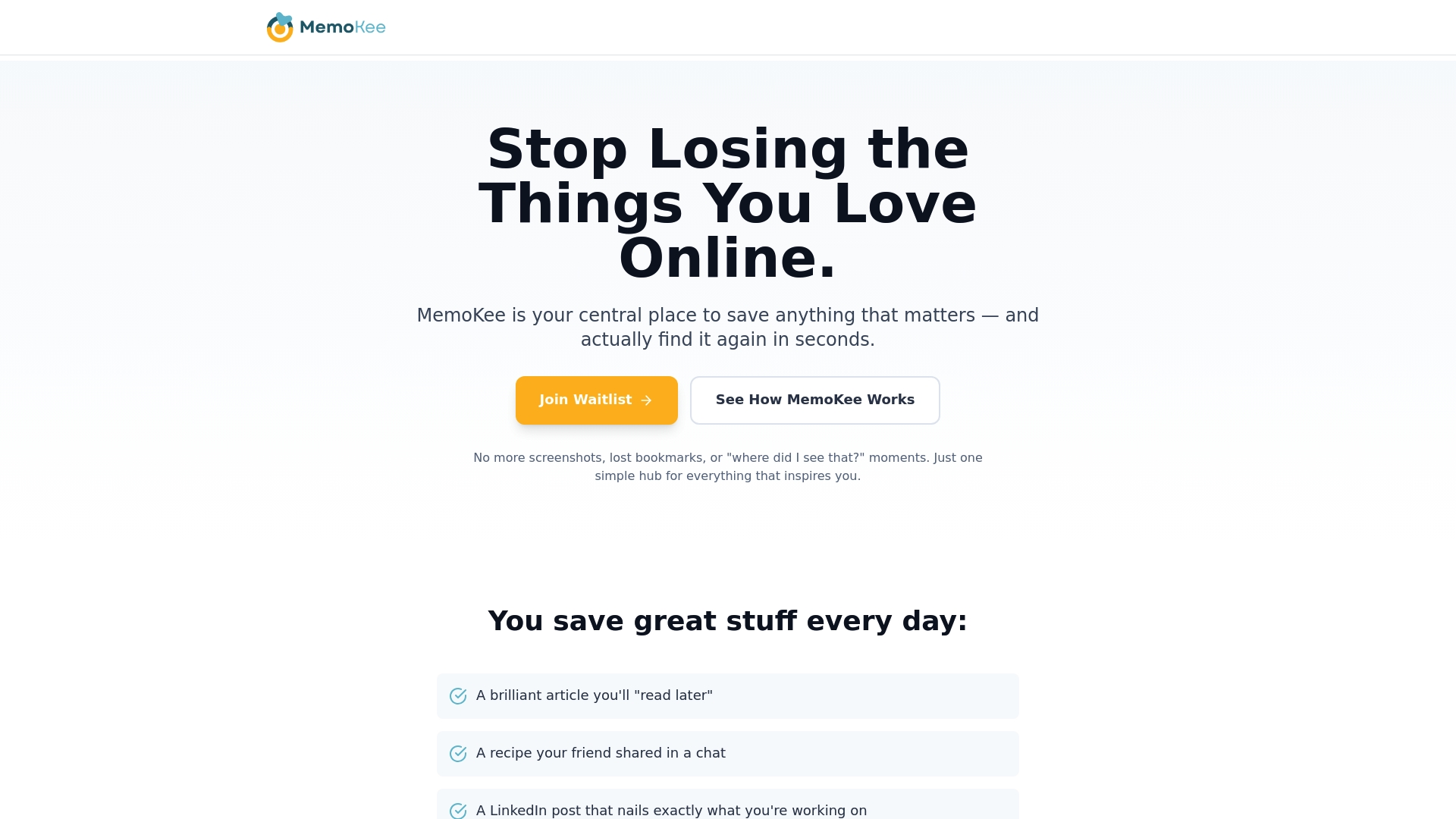
Ready to conquer the overwhelm and build a personal knowledge management system that works for you Start by exploring how MemoKee simplifies resource tagging and organizing or dive into features that empower you to link related items and access your content instantly. Visit MemoKee’s landing page now and transform your everyday discoveries into your strongest professional asset.
Frequently Asked Questions
What are some effective methods for saving online resources?
Effective methods for saving online resources include implementing a consistent tagging system and selecting content that aligns with your future search needs. Start by adding descriptive tags to saved articles or videos that capture the core concepts, making it easier to retrieve them later.
How can I take quick notes efficiently?
To take quick notes efficiently, focus on capturing core concepts using bullet points and personal abbreviations. Develop a consistent template with predefined sections like key insights and action items to streamline this process for faster recall.
What strategies help in organizing content into searchable categories?
Organizing content into searchable categories involves creating a logical hierarchy of tags and collections that mirror your thought process. Define broad categories first, then break them down into more specific subcategories for easy retrieval.
How can I create project-specific collections that stay organized?
To create organized project-specific collections, start by defining clear boundaries and objectives for each project. Regularly update these collections and maintain a master index to ensure that they stay relevant and easy to navigate.
What are the key elements of setting up an automated content workflow?
The key elements of setting up an automated content workflow include identifying repetitive tasks and selecting tools with strong integration capabilities. Map your current processes, automate simple tasks, and gradually refine your workflows to improve efficiency over time.
How often should I review and update my knowledge library?
You should review and update your knowledge library at least every three to six months. During these reviews, assess the relevance and accuracy of resources, remove outdated materials, and update tags and metadata to keep your library current.