
Streamline Knowledge Management Workflow for Fast Retrieval

Most American professionals waste over 2.5 hours every week searching for misplaced online resources. For knowledge workers and entrepreneurs worldwide, disorganized digital content eats into valuable work hours and stifles productivity. Adopting a centralized approach for saving, categorizing, and retrieving documents means less frustration, faster access, and more time dedicated to high-impact projects. This guide will show you practical steps to transform your content management and ensure critical information is always just a click away.
Table of Contents
- Step 1: Set Up Your Centralized Content Hub
- Step 2: Organize Saved Items With Tags And Notes
- Step 3: Refine Search And Retrieval Techniques
- Step 4: Implement Regular Review And Update Routines
- Step 5: Verify Accessibility And Long-Term Utility
Quick Summary
| Key Point | Explanation |
|---|---|
| 1. Create a centralized content hub | Establish a single repository for quick access to resources, improving efficiency and organization. |
| 2. Organize with tags and notes | Develop a structured tagging system and add contextual notes for easy retrieval of information. |
| 3. Refine search techniques regularly | Utilize advanced search strategies to enhance the speed and accuracy of information retrieval. |
| 4. Implement consistent review routines | Schedule regular audits to maintain content relevance, accuracy, and organizational integrity. |
| 5. Ensure long-term accessibility | Regularly test and update your system to guarantee its usefulness and adaptability over time. |
Step 1: Set up your centralized content hub
Establishing a centralized content hub transforms how you capture, organize, and retrieve valuable information. Your goal is to create a single repository that makes finding critical resources lightning fast and effortless.
Start by selecting a platform that supports comprehensive knowledge consolidation. Look for tools that allow seamless importing of different content types - articles, videos, screenshots, documents - and provide robust search capabilities. Your ideal hub should let you tag, categorize, and quickly filter saved content across multiple dimensions.
While setting up, focus on creating an intuitive organizational structure. Group similar content together and develop consistent tagging protocols. Consider creating broad categories like Professional Resources, Personal Development, Research Notes, and Project References. This initial investment in organization pays massive dividends in future retrieval speed and efficiency.
Pro tip: Spend 15 minutes each week reviewing and refining your content hub’s structure to ensure it remains clean, logical, and easy to navigate.
Here’s a comparison of popular content hub platform features and their business impact:
| Platform Feature | Business Impact | Typical Tools |
|---|---|---|
| Robust search | Faster resource discovery | Notion, Confluence |
| Tagging and categories | Improved organization | OneNote, Obsidian |
| Multiformat import | Centralized knowledge storage | Evernote, Google Drive |
| Permission controls | Enhanced data security | Confluence, SharePoint |
Step 2: Organize saved items with tags and notes
Effective content organization transforms your knowledge management from a chaotic collection into a powerful personal library. By mastering tags and notes, you will create a system that makes retrieving information quick and intuitive.

Start by developing a structured tagging approach that reflects how your brain naturally categorizes information. Create broad parent tags like Professional, Personal, Research, and then add nested subtags that provide granular context. For example, under Professional, you might have Marketing Strategy, Client Projects, Industry Trends. Each tag should serve as a lightweight metadata system that connects related content across different folders and contexts.
When adding notes, think of them as contextual breadcrumbs that provide immediate understanding. Write concise summaries that capture the key insights, actionable takeaways, or why you saved this particular piece of content. Include brief personal reflections that will help your future self quickly grasp the significance of the saved resource.
Pro tip: Develop a consistent tagging nomenclature and stick to it religiously to maintain your content hub’s organizational integrity.
Step 3: Refine search and retrieval techniques
Mastering advanced search techniques transforms your content hub from a simple storage space into a powerful knowledge discovery engine. Your goal is to develop precise retrieval strategies that help you find exactly what you need in seconds.
Leverage reinforcement learning frameworks to optimize your search approach. Start by creating a consistent search strategy that uses specific keywords, exact phrases, and advanced filtering options. Experiment with different search operators like quotation marks for exact matches, minus signs to exclude terms, and wildcard symbols to capture variations. Learn to stack search terms strategically to narrow down results quickly.
Implement semantic search techniques that go beyond simple keyword matching. Use broad parent tags combined with specific subtags to create multi dimensional search capabilities. For instance, combine professional category tags with project specific keywords to quickly surface relevant content. Train yourself to think about how you might search for a piece of information later when you initially save it this will dramatically improve your future retrieval success.
Pro tip: Periodically review and update your search tags to ensure they remain relevant and reflect your evolving knowledge landscape.
Step 4: Implement regular review and update routines
Maintaining a dynamic and current knowledge management system requires intentional and systematic review processes. Your goal is to create a sustainable approach that keeps your content hub fresh, accurate, and continuously valuable.
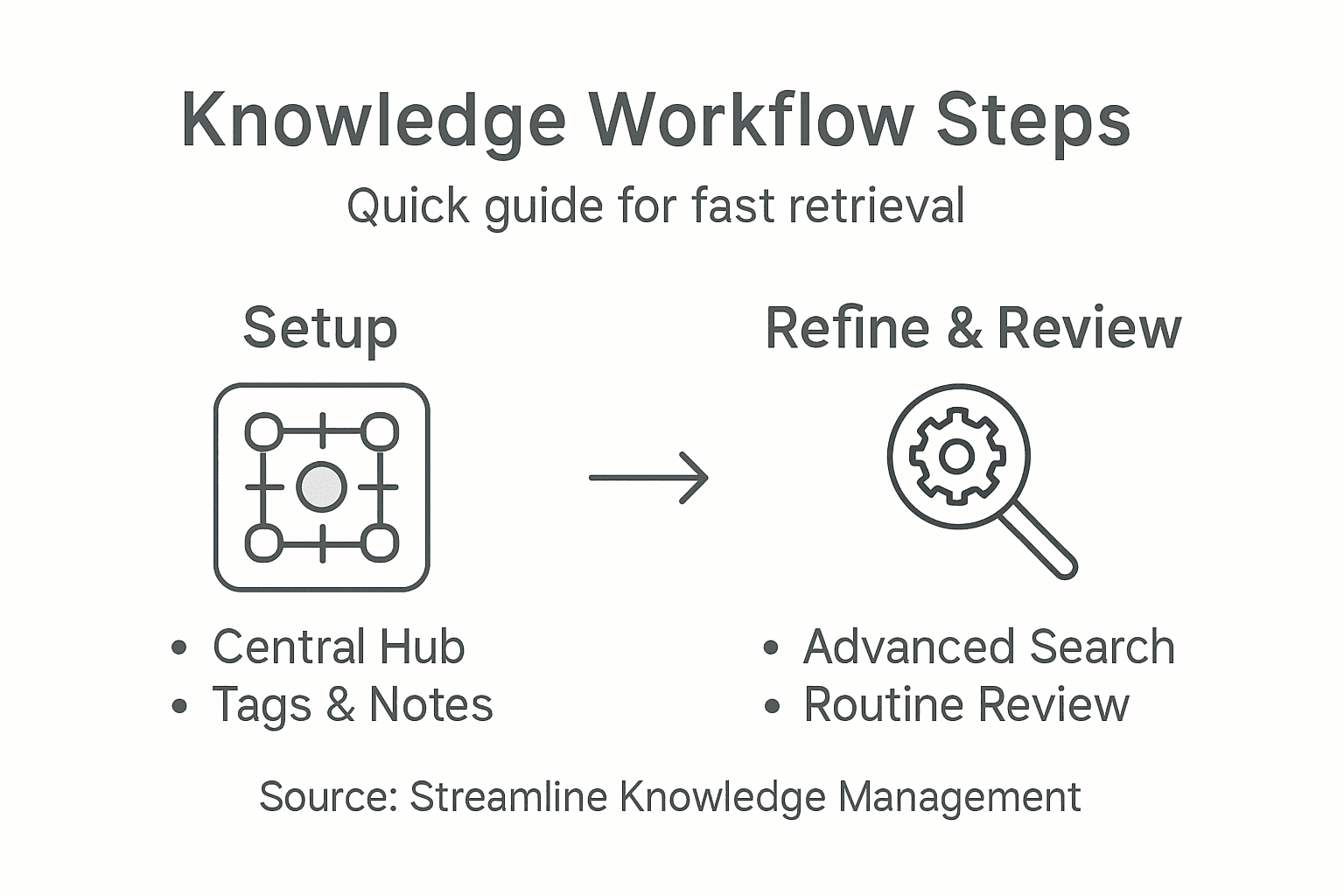
Establish structured knowledge base management by setting clear review intervals. Choose a consistent schedule like weekly quick scans or monthly deep reviews. During these sessions, assess your saved content for relevance, update outdated information, remove redundant entries, and ensure your tagging system remains precise. Consider creating a simple tracking document where you log review dates, updates made, and potential improvements.
Develop a personal accountability framework that makes content maintenance a habit. Set calendar reminders, block dedicated time for reviews, and approach each session as an opportunity to refine your knowledge ecosystem. Treat your content hub like a living document that evolves with your professional growth and changing interests. Validate information sources, remove broken links, and reorganize tags to reflect your current understanding and priorities.
Pro tip: Schedule quarterly review sessions during naturally slower work periods to ensure consistent knowledge base maintenance without disrupting your primary workflow.
Below is a quick summary of effective review routines for maintaining your content hub:
| Review Frequency | Activities Performed | Business Benefit |
|---|---|---|
| Weekly | Quick scan, minor tweaks | Maintains accuracy |
| Monthly | Deep content audit | Removes outdated info |
| Quarterly | Tag and structure review | Improves search speed |
| Annually | Architecture update | Ensures long-term value |
Step 5: Verify accessibility and long-term utility
Ensuring your knowledge management system remains accessible and valuable requires proactive strategic planning. Your ultimate goal is to create a resilient information repository that remains useful across changing technological landscapes and personal growth phases.
Implement strategic data fabric frameworks that break down potential information barriers. Develop a comprehensive metadata strategy that allows easy navigation and retrieval. This means creating clear, consistent labeling systems, cross referencing related content, and ensuring your saved materials include enough context to remain meaningful years from now. Consider adding brief personal annotations that explain why you saved a particular resource and what insights you found valuable.
Periodically test your content hub’s accessibility by conducting mock retrieval exercises. Simulate scenarios where you need specific information quickly and evaluate how easily you can locate and understand your saved resources. Check for broken links, outdated references, and ensure your tagging system remains intuitive. Treat your knowledge management system as a living document that requires ongoing maintenance and strategic refinement to remain truly useful.
Pro tip: Perform an annual comprehensive review to validate and upgrade your content hub architecture, ensuring it continues to serve your evolving professional needs.
Take Control of Your Knowledge Management with MemoKee
The article highlights common challenges like chaotic content storage, slow retrieval, and the need for an intuitive tagging and search system. If you struggle with keeping your valuable resources organized and accessible across multiple formats and platforms, MemoKee provides the perfect solution. Designed as a centralized, “save-and-find” hub, MemoKee eliminates the frustration of scattered links and disjointed notes by enabling you to capture everything from articles to videos with ease. It empowers you to transform your saved items into a searchable personal library that evolves with your professional and personal growth.
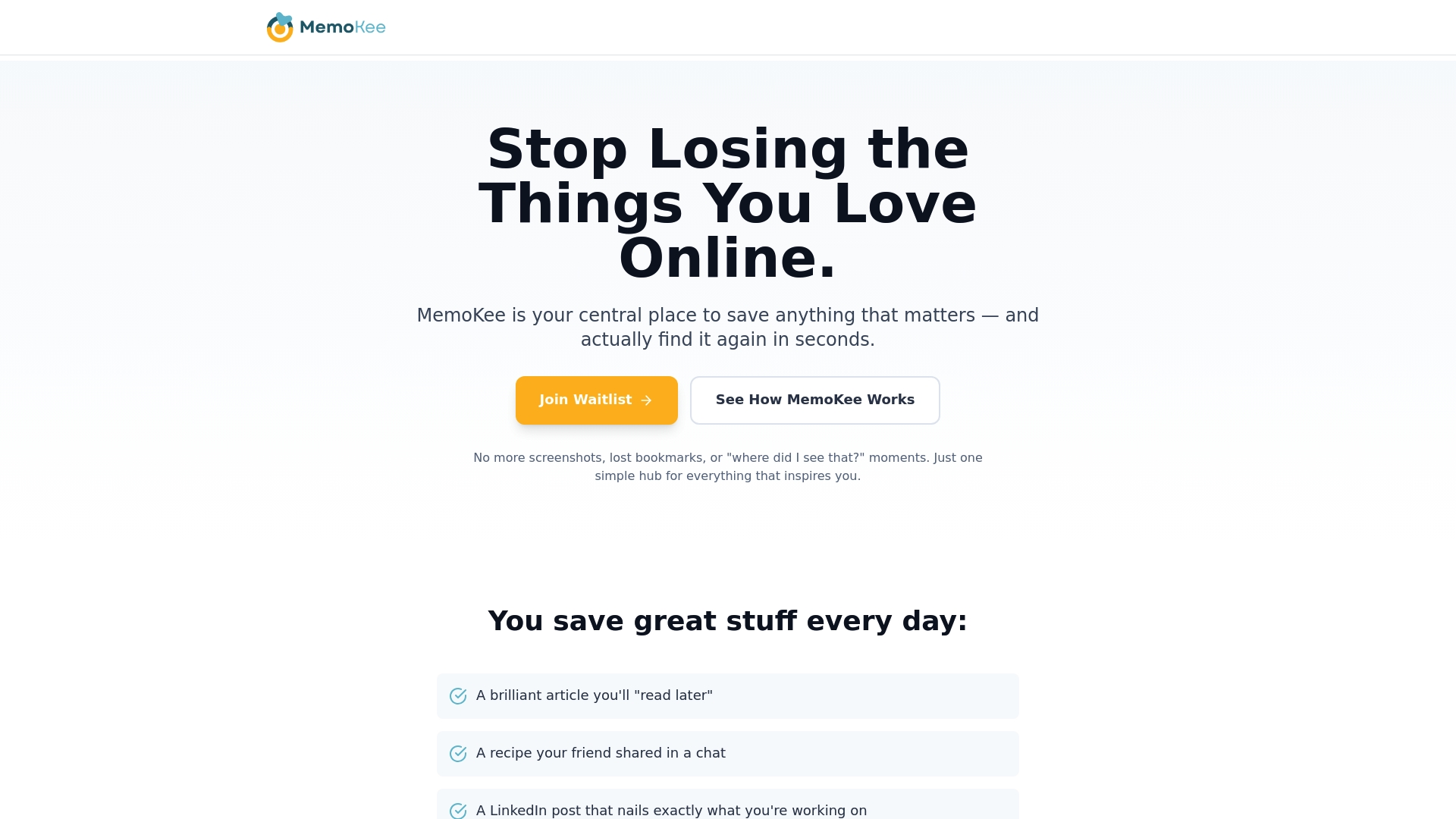
Streamline your knowledge management workflow today by choosing a platform built to support robust tagging, quick retrieval, and clear organization. Discover how MemoKee’s intuitive structure directly supports the article’s principles such as comprehensive knowledge consolidation and effective search refinement. Don’t wait for another lost link or missed insight. Visit MemoKee now and start building your own powerful content hub that makes finding your important information fast, simple, and stress free.
Frequently Asked Questions
How can I set up a centralized content hub for knowledge management?
To set up a centralized content hub, choose a platform that allows comprehensive knowledge consolidation. Focus on creating an organized structure by grouping similar content and applying consistent tagging protocols to enhance future retrieval efficiency.
What is the best way to organize saved items using tags and notes?
Organize saved items by developing a structured tagging approach that aligns with how you categorize information. Create broad parent tags with specific nested subtags, and use notes to capture key insights, ensuring quick understanding and retrieval in the future.
What techniques can I use to improve search and retrieval in my content hub?
To improve search and retrieval, employ advanced search techniques using specific keywords, phrases, and filtering options. Experiment with different search operators and consider using semantic search methods that combine parent and subtag categories for more precise results.
How often should I review and update my knowledge management system?
Establish a consistent review schedule, such as weekly quick scans and monthly deep audits, to maintain the accuracy and relevance of your content hub. Regular updates, ideally made every month, will ensure your knowledge remains current and efficient for retrieval.
What steps should I take to verify the long-term utility of my content hub?
To verify long-term utility, implement a metadata strategy and conduct periodic accessibility tests. Perform an annual comprehensive review to ensure your content remains useful, checking for outdated references and making necessary adjustments to your tagging system.